

Den här sidan innehåller olika skärmbilder av Rita med Tux gränssnitt och exempel på funktioner, som har sammanställts av utvecklarna. Se till att kolla in galleriet för riktiga teckningar gjorda av barn och vuxna som använder Rita med Tux!
(De flesta skärmbilder är från Rita med Tux version 0.9.23.)
Börja
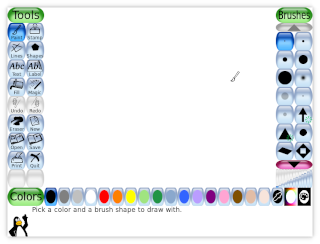
Börja
Rita med Tux startar med en tom ritduk som man kan rita på direkt.
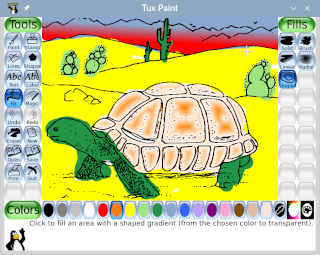
En målarboksbild
Du kan också ladda in startbilder, som den här målarbokssköldpaddan.
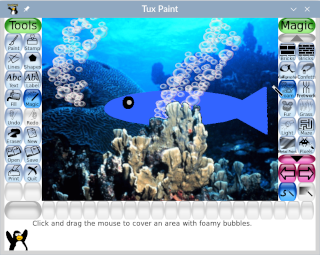
Startscener
Några startbilder innehåller både en förgrund (som man inte kan rita över), och en bakgrund.
Verktyg
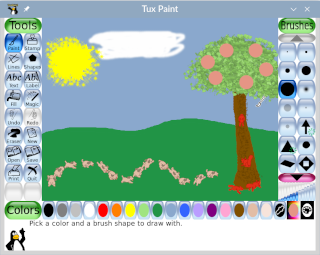
En enkel teckning
Rita på frihand med olika penslar.

Linjeverktyget
Perfekt raka linjer kan dras med linjeverktyget.
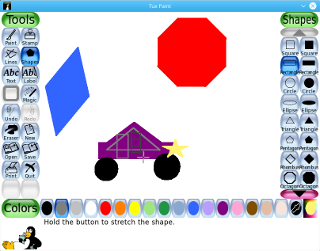
Figurverktyget
Fyllda och ofyllda former kan ritas i olika färger och i olika vinklar med hjälp av verktyget för former.
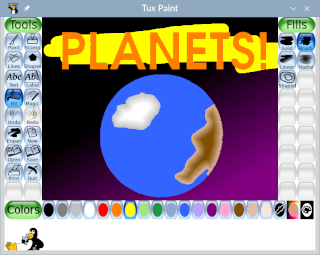
Fyll-verktyget
Fyll ut delar av bilden med enfärgade färger eller gradienter.
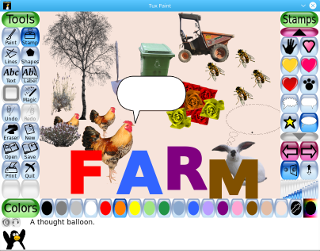
Stämplar
Stämpelverktyget ger ett brett spektrum av förritade och fotorealistiska bilder som ska läggas till en teckning.
(Eller varför inte komponera hela bilden av enbart stämplar!)
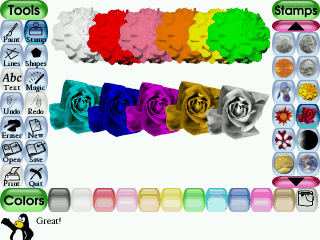
Tonade stämpelbilder
De flesta stämplar kan speglas, vändas, krympas och förstoras. Vissa stämplar kan färgas eller tonas, som dessa blommorna.
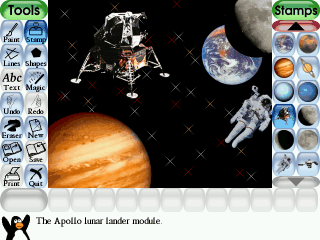
Stämplar med bilder från yttre rymden
Många olika stämpelteman följer med Rita med Tux. Du kan även skapa dina egna.
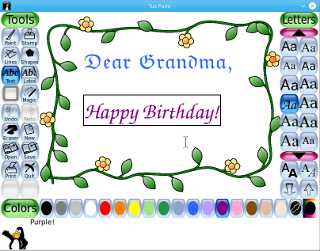
Textverktyget
En enkelt textverktyg låter barnen kommentera sina bilder eller skapa gratulationskort. Det hjälper också tangentbordsfärdigheterna!
Dialogrutor
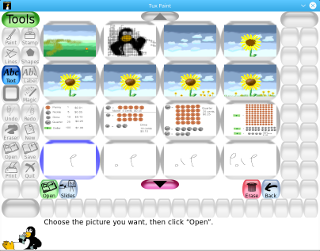
Öppna en bild
Sparade bilder öppnas med en miniatyrbildsbläddrare.
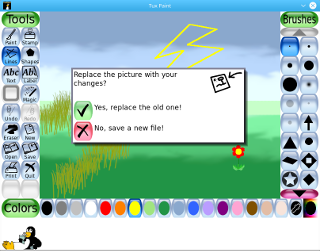
Spara en bild
Barnen presenteras enbart med enkla Ja/Nej-dialoger.
'Magi'-verktyg
Förutom grundläggande målnings-, linje- och formverktyg innehåller Rita med Tux över nearly 80 ytterligare verktyg som ger en mängd olika effekter.
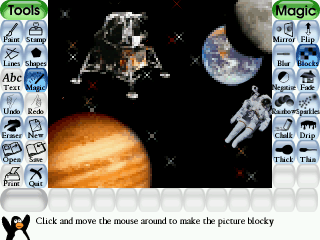
Det magiska verktyget "block"
Pixelera bilden med det magiska blockverktyget.
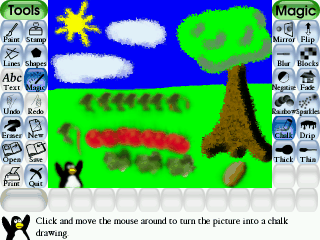
De magiska verktygen "Krita" och "Suddig"
Förvandla en bild till en teckning ritad med krita, eller gör delar av den suddig.
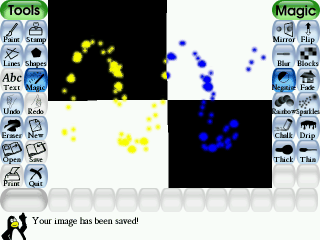
De magiska verktygen "Gnister" och "Negativ"
Lägg gnistror till en bild, eller invertera färgerna.
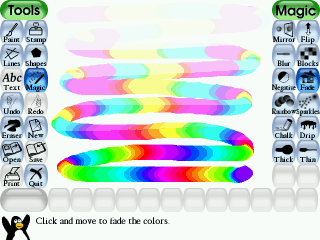
De magiska verktygen Regnbåge och Bleka
En regnbåge av färger kan ritas med lätthet, och blekas senare.
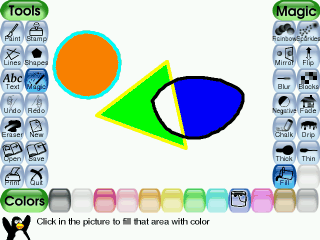
Fyll-verktyget
Stora delar av en bild kan fyllas med olika färger.
Språkstöd
Delar av Rita med Tux har för närvarande blivit översatta till nästan 130 språk:
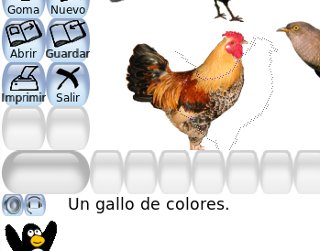
Rita med Tux på spanska
Rita med Tux på spanska
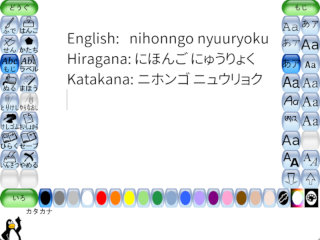
Inmatning av japansk text
Inmatning av Japanska tecken med Rita med Tux textverktyg
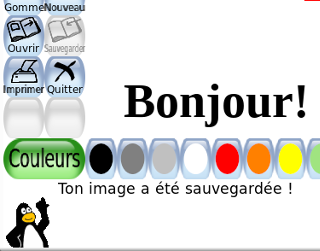
Rita med Tux på franska
Rita med Tux på franska
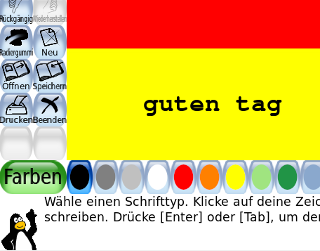
Rita med Tux på tyska
Rita med Tux på tyska
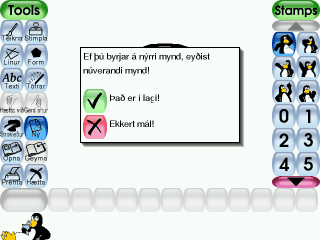
Rita med Tux på isländska
Rita med Tux på isländska
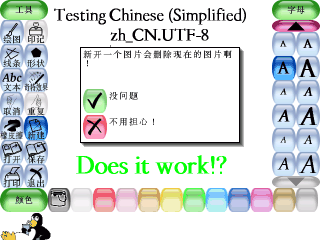
Rita med Tux på kinesiska (förenklad)
Rita med Tux på kinesiska (förenklad)
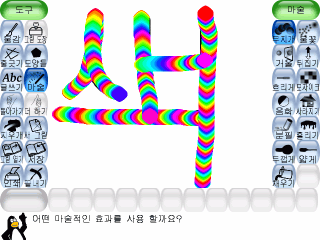
Rita med Tux på koreanska
Rita med Tux på koreanska
Tux Paint Config
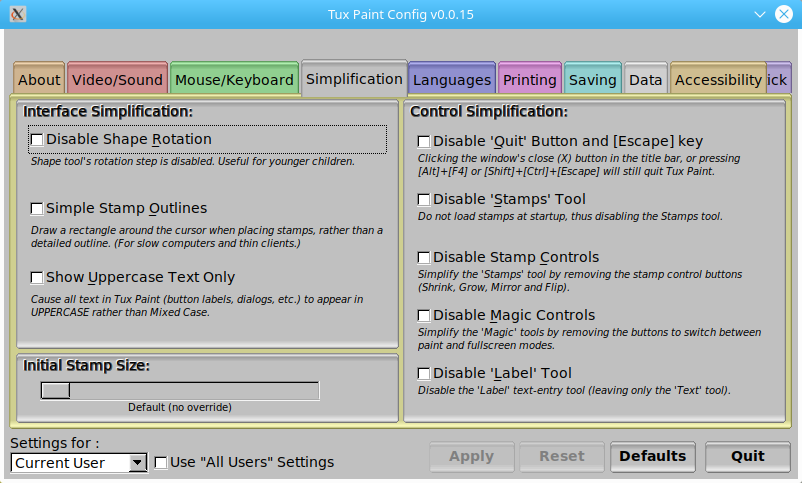
Konfigurera Rita Med Tux, grafiskt konfigurationsverktyg för föräldrar och lärare.
Installerare för Rita Med Tux stämpelsamling
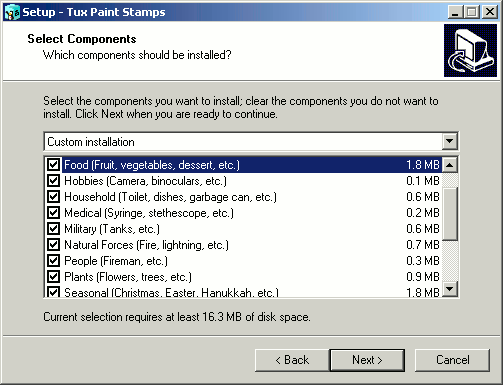
Installerare för Rita Med Tux stämpelsamling till Windows.
Foton på Rita Med Tux
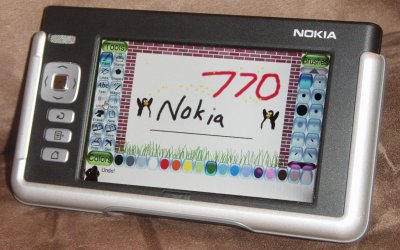
Ett fotografi av Rita Med Tux som körs på en Nokia 770 Linux-baserad handdator.
OBS: Fotot är en kombination av två bilder, för bättre synlighet.
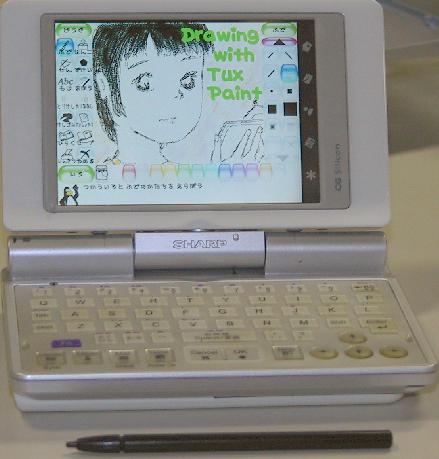
Ett fotografi på Rita med Tux när det körs på en Sharp Zaurus, en Linux-baserad PDA (handdator).